Trades · Overnight accommodation

Your nights sold direct,
and a night is only sold once.

The planning board for your rooms or pitches, seasonal rates, your municipality's tourist tax, and requests that arrive from your own website.

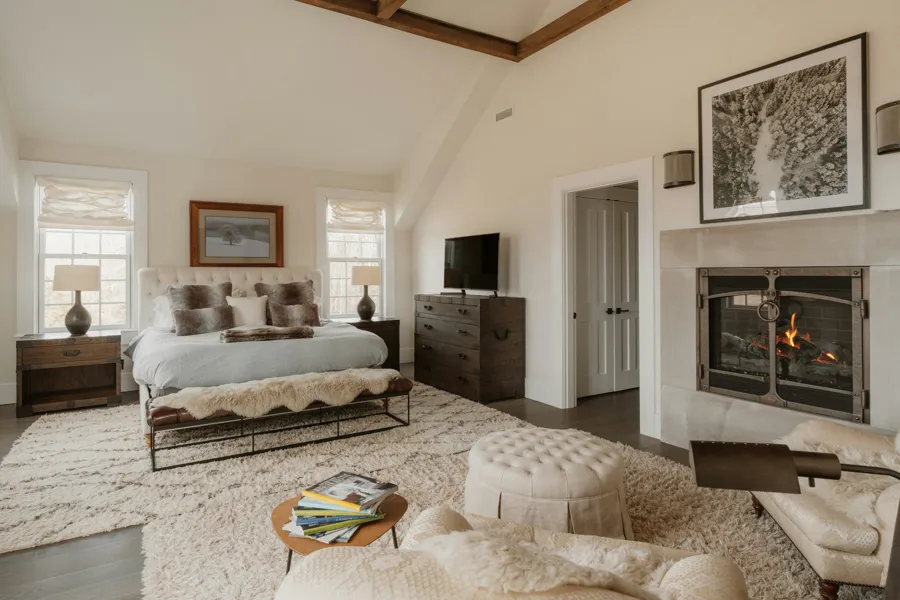
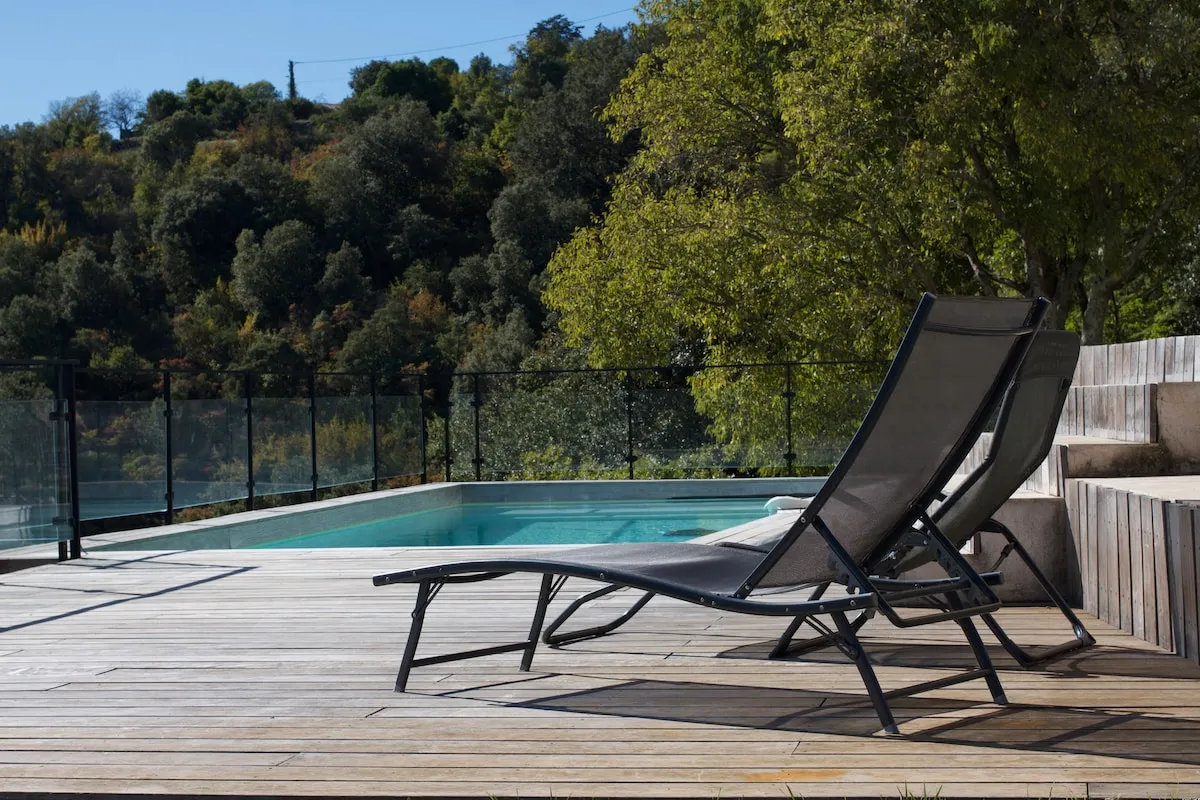
Atmosphere photo of the tradeDetail
Your pain points

The calendar, the season, and the municipality.

01

The same night sold twice

The calendar lives in the notebook, in a spreadsheet and on the platforms: a night sold twice is paid for in apologies.

02

Seasonal rates are redone by hand

July, bank-holiday weekends, low season, the extra adult, the extra child, the bare pitch: the spreadsheet always ends up lying.

03

Tourist tax is set by the municipality

Classified or unclassified, departmental share, regional share — and the rules change from one property to the next.

Modules involved

Your modules, switched on one by one.

The planning board and stays live in Accommodation; the other three are added depending on what you run.

Accommodation

The planning board for your units, the stay from request to check-out, and the night locked where it matters.

  • One night, one unit, one stay: the rule is enforced by the database, not by the screen.
  • Option, confirmed, checked in, checked out, as well as canceled and no-show with a logged reason. Blocks (seasonal closure, works, personal use) show in gray and are kept out of revenue.
  • Seasonal rates with start and end dates, minimum stay and permitted arrival days; extra adults and children charged per night; sales restrictions that genuinely filter availability, which you can override.
  • iCal calendar exchange, in both directions and unit by unit: you paste the URL of the .ics feed to import, you copy an export .ics URL that only publishes booked and free — with a queue, retries, quarantine and a Replay button.
  • After departure, a review request goes out by email, in the guest's language: a rating from 1 to 5, a comment, then your property's Google listing, offered whatever the rating. Stays from a platform are not contacted: the platform does that.
  • The Housekeeping screen derives the day's cleanings from departures and stayovers. When a guest arrives on the day of a departure, that cleaning goes to the top, with the check-in time as deadline. Each cleaning is assigned to someone, started and finished; you can require a check, or put a unit out of service with a reason. On the Pro tier, a cleaner without an account gets a personal link: they only see the cleanings you assign to them, without the guests.
The module →

Website

Your property's website, with the stay request form built in.

  • Page templates for Guest house, Hotel, Campsite and Table d'hôtes, with named zones.
  • More than half of the 33 themes shipped are accommodation themes: guest house, campsite, hotel.
  • The booking request block shows the price calendar per night, a search by dates and number of guests, the free units and their total price, then a form with name, email, phone and message.
The module →

Billing

The invoice for the stay, with tourist tax in its proper place.

  • Accommodation line at 10%, each extra at its own VAT rate, then, in Accommodation - Pro, the fees you have set up: cleaning, pet, service.
  • Tourist tax appears as a VAT-exempt line on the invoice — the only place it shows.
  • Totals and mixed-rate VAT calculated server-side, numbering by year and by series.
The module →

Restaurant / Table

The property's table d'hôtes or restaurant, on its own public page.

  • The guest picks a date, a number of covers, a slot and, if the dining room offers one, a set menu; they flag their allergies and leave a message.
  • Capacity is managed in covers, not tables, with seating time set by party size.
  • The menu is published in versions — the guest and the PDF read the latest published version, never the draft — with the 14 allergens that must be declared under EU Regulation 1169/2011. It has its own switch, separate from the module's.
The module →
How it works

From the request to check-out day.

01

The traveler asks

From your website: their dates, number of guests, the free units with their total price, then their contact details and message.

02

You confirm by hand

A public request places a 24-hour option. You are the one who confirms it, and for every request you receive a notification in the app and an email.

03

The stay runs its course

Request acknowledgement, confirmation, a reminder the day before arrival and the day before departure, in the language the traveler left. On their private page, the access code only appears once the stay is confirmed.
A hotel, a campsite, or both?

Tell us how many units you run and where your calendars live today: together we look at what to switch on, and in what order.