Trades · Restaurants and tables d'hôtes

The booking book is kept in covers,
not in tables.

Slots calculated on the room you genuinely have left, the service day to run on the floor, and an up-to-date menu with its allergens.

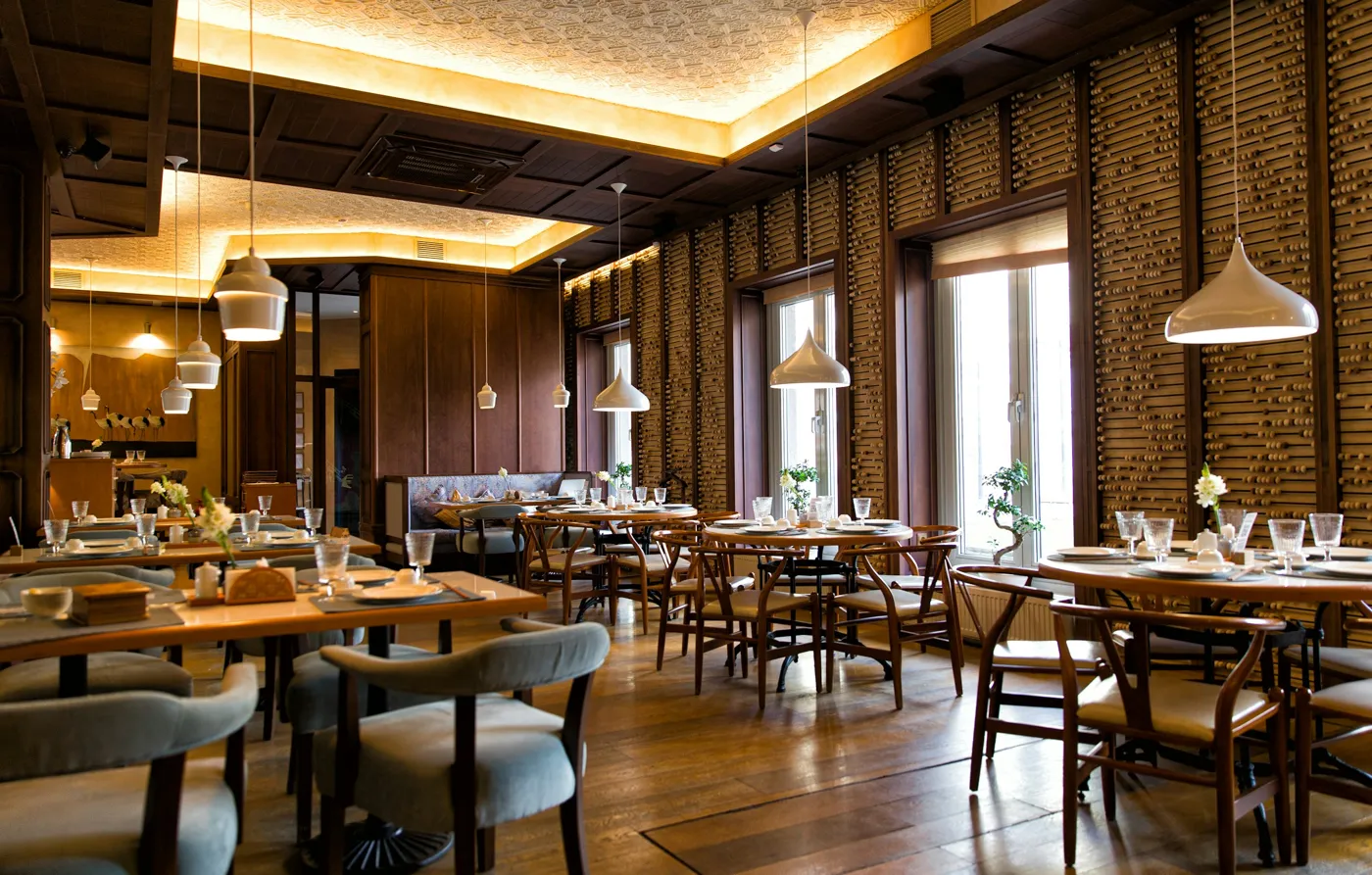
Atmosphere photo of the tradeDetail
Your pain points

The phone, the pencil, and the table already given away.

01

The same table, twice

The book at the counter, the message taken in the kitchen and the lunchtime call do not talk to each other: two parties end up in front of the same table.

02

You count tables, the room fills in covers

A party of two seated at a table for four is two lost covers that nobody notices.

03

The tally is done from memory

How many booked covers went unserved last month? Everyone has their own figure, and nobody counts the same way.

Modules involved

The booking book first, the rest if you need it.

Let us say it up front: we replace your booking book, not the channel through which your guests find you. No marketplace is connected here.

Restaurant / Table

The booking book, the service day and the published menu, in the screen the floor keeps open.

  • Slots are calculated against a capacity in covers, not tables, with a seating time per party size. The minimum notice only applies to the web — over the phone, the floor is not blocked.
  • In Pro, seating goes to the best-fitting table, and can be changed or released at any time. A table already taken on that slot is refused on the spot: the rule is enforced by the database, not by the screen.
  • The service day gives the load for the day and per service against the capacity actually applied, exceptions included. Over a period, promised covers and served covers are counted separately.
  • Two separate modules plug into it: the menu, whose dishes carry the 14 allergens that must be declared (EU Regulation 1169/2011), and the floor plan, coloured for a given date.
The module →

Orders

For those who also sell takeaway: the published menu becomes an ordering page, added to your website and paid at collection.

  • The customer picks their dishes, their day and their collection slot; they track their order by email, without an account, and can cancel it as long as you have not accepted it.
  • The day's queue rings for every order awaiting acceptance, or accepts them by itself; the preparation ticket prints at 80 mm, allergens included.
  • Takeaway price and VAT specific to each dish, or a percentage discount; exceptional closures.
  • No online payment, no delivery, no commission: the customer pays on site.
The module →

Website

For those who do not have a website yet: your restaurant's own, with booking and the menu built in.

  • Restaurant and Table d'hôtes page templates, with named zones, chosen at site level then overridden page by page.
  • Two blocks can be placed in a page and shown on the public site: “Book a table”, attached to the restaurant of your choice, and the restaurant's menu.
  • Visual editor that loads the theme's CSS, preview rendered by the public site engine, and a contact form with a honeypot field and a per-IP sending limit.
  • Publishing on the address provided by default, or on your own domain name — the latter requires that you set the DNS record yourself, then that it passes verification.
The module →
How it works

From describing the room to running the service.

01

You describe your room

Five screens: the restaurant, its address, its first service and its tables, in a single submission — and a double click does not create two rooms.

02

The guest books

On your public address, or from the form placed on the website you already have. They only see slots that genuinely fit within the service's capacity.

03

The floor runs the service

Load for the day against the applied capacity, automatic seating at the best-fitting table, status in one click — and every action leaves its time-stamped line with its author.

Twenty covers or eighty, the same booking book?

Tell us how many covers you serve, where your bookings come from today and whether you already have a website: together we look at what to switch on, and in what order.